Table of Contents
Introduction
Blended 2D/3D Animation, Live-Action, and AI for Site-Specific Safety and Process Training
Sanskriti Infotech develops custom multimedia training modules for employees, contractors, and visitors across manufacturing, chemical, oil & gas, power, construction, logistics, mining, warehousing, and other high-hazard industries.
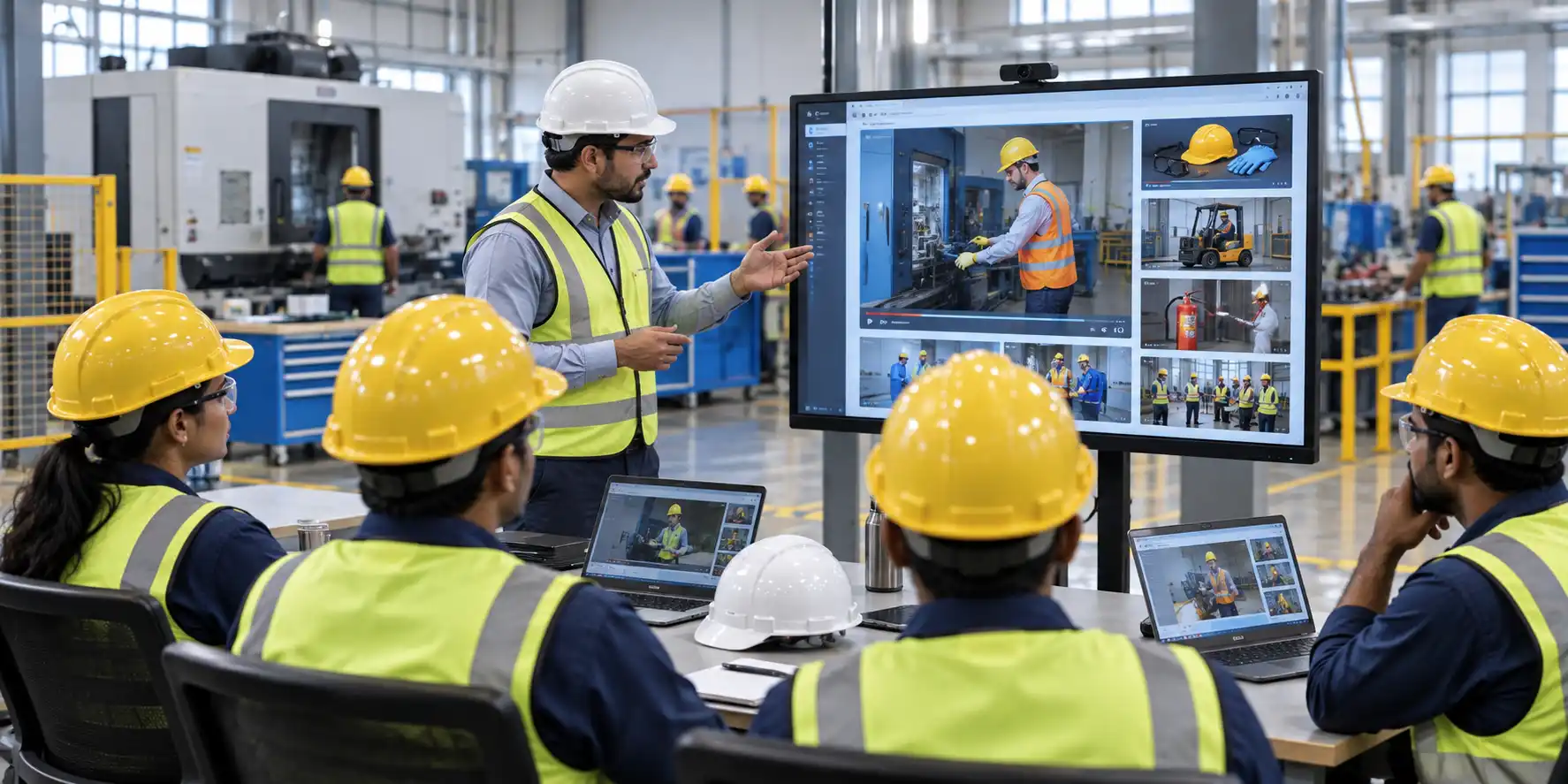
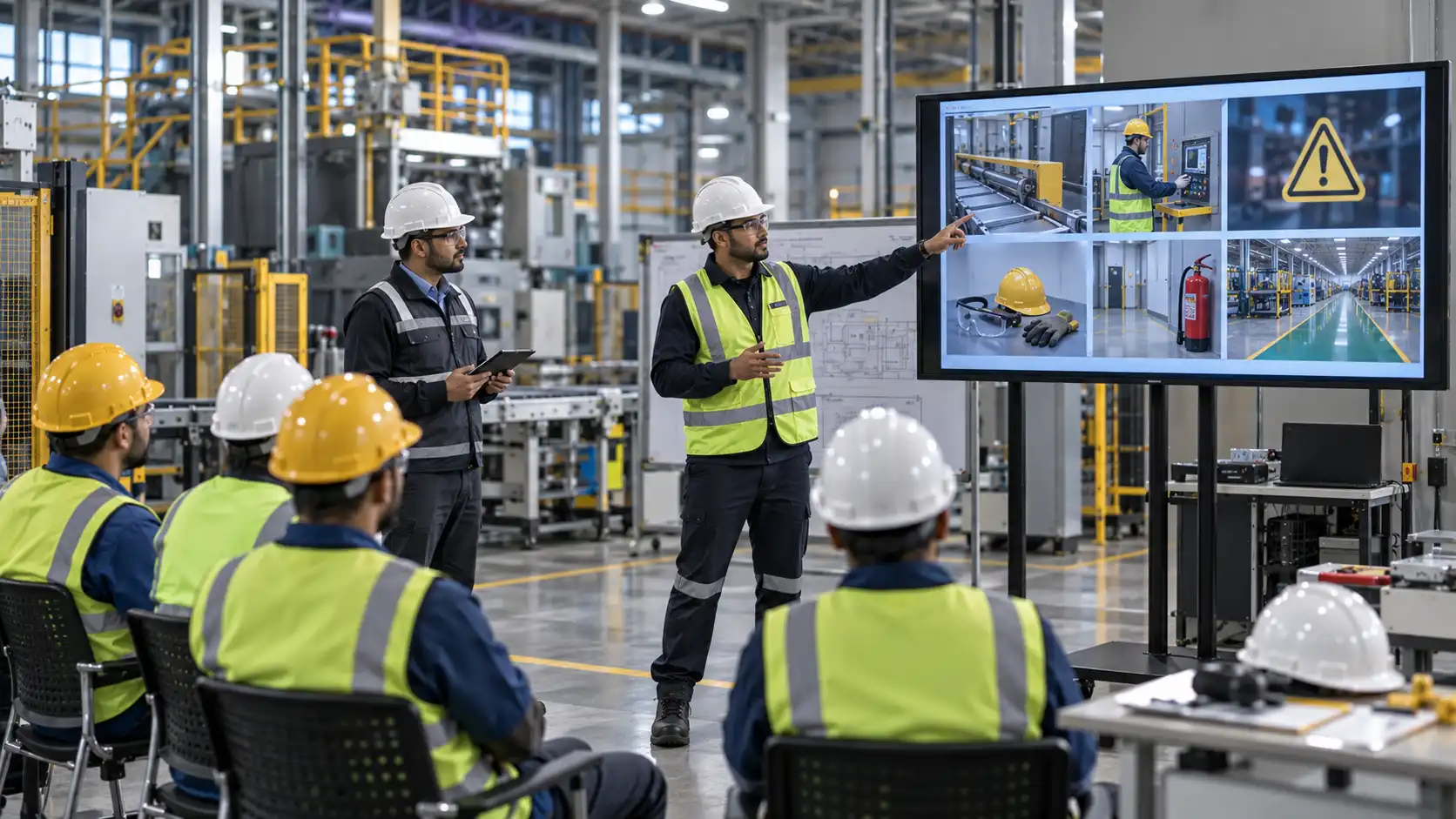
We help EHS managers, plant heads, security teams, HR/L&D leaders, and operations managers turn your site rules, SOPs, hazards, and process knowledge into engaging, blended learning experiences that combine 2D/3D animation, live-action video, AI-generated modules, interactive quizzes, and multilingual support.
Our offerings include:
- Custom multimedia training modules tailored to each audience (employees, contractors, visitors).
- Blended formats: 2D/3D animation, live-action footage, AI voice/video, graphics, and interactivity.
- Safety induction and process training aligned with your actual plant and procedures.
- Multilingual voiceovers and subtitles for diverse workforces and visitor profiles.
- LMS-ready and kiosk-ready deliverables for onboarding, visitor centers, and shop-floor screens.
This page explains how we design custom multimedia training for each audience, what formats we use, and how we integrate everything into your existing training and visitor management systems.
Why Custom Multimedia Training Modules?
Traditional training often relies on:
- Long PowerPoint decks and text-heavy manuals.
- Generic off-the-shelf videos that don’t match your site.
- One-size-fits-all sessions for very different audiences.
Custom multimedia training modules solve this by:
- Using multiple formats (animation, live video, AI, graphics, quizzes) to keep learners engaged.
- Tailoring content to specific audiences: new employees, experienced operators, contractors, visitors.
- Reflecting your plant, your SOPs, your hazards, not generic scenarios.
- Supporting different devices and contexts: LMS, classroom, reception kiosks, mobile, on-floor screens.
- Enabling multilingual delivery so everyone understands critical safety and process messages.
The result is training that is more engaging, more relevant, and more effective at changing behavior and reducing risk.
Audience-Specific Multimedia Training Design
We design separate but coherent learning journeys for employees, contractors, and visitors.
1. Employees: Core + Role-Based Multimedia Modules
For employees, we create a structured learning path:
Core induction (all employees):
- Site layout, entry/exit points, roads, parking, and key areas.
- Key hazards and risk controls specific to your facility.
- PPE requirements: what must be worn, where, and by whom.
- Emergency procedures: alarm types, evacuation routes, muster points.
- Reporting expectations: hazards, incidents, near misses, unsafe conditions.
- Basic environmental and health expectations (waste, spills, ergonomics, etc.).
Role-based modules:
- Operators: machine safety, LOTO, guarding, safe access, emergency stops.
- Technicians/maintenance: isolation procedures, permit-to-work, working on live equipment.
- Material handling/logistics: forklift safety, pedestrian routes, loading/unloading.
- Supervisors: safety leadership, intervention, shift handover, incident reporting.
Process and SOP modules:
- Process overviews (how the line/plant works).
- Equipment-specific training (start-up, running, shutdown, basic troubleshooting).
- SOP and work instruction videos (step-by-step visual procedures).
- Changeover, setup, and maintenance training.
Formats used:
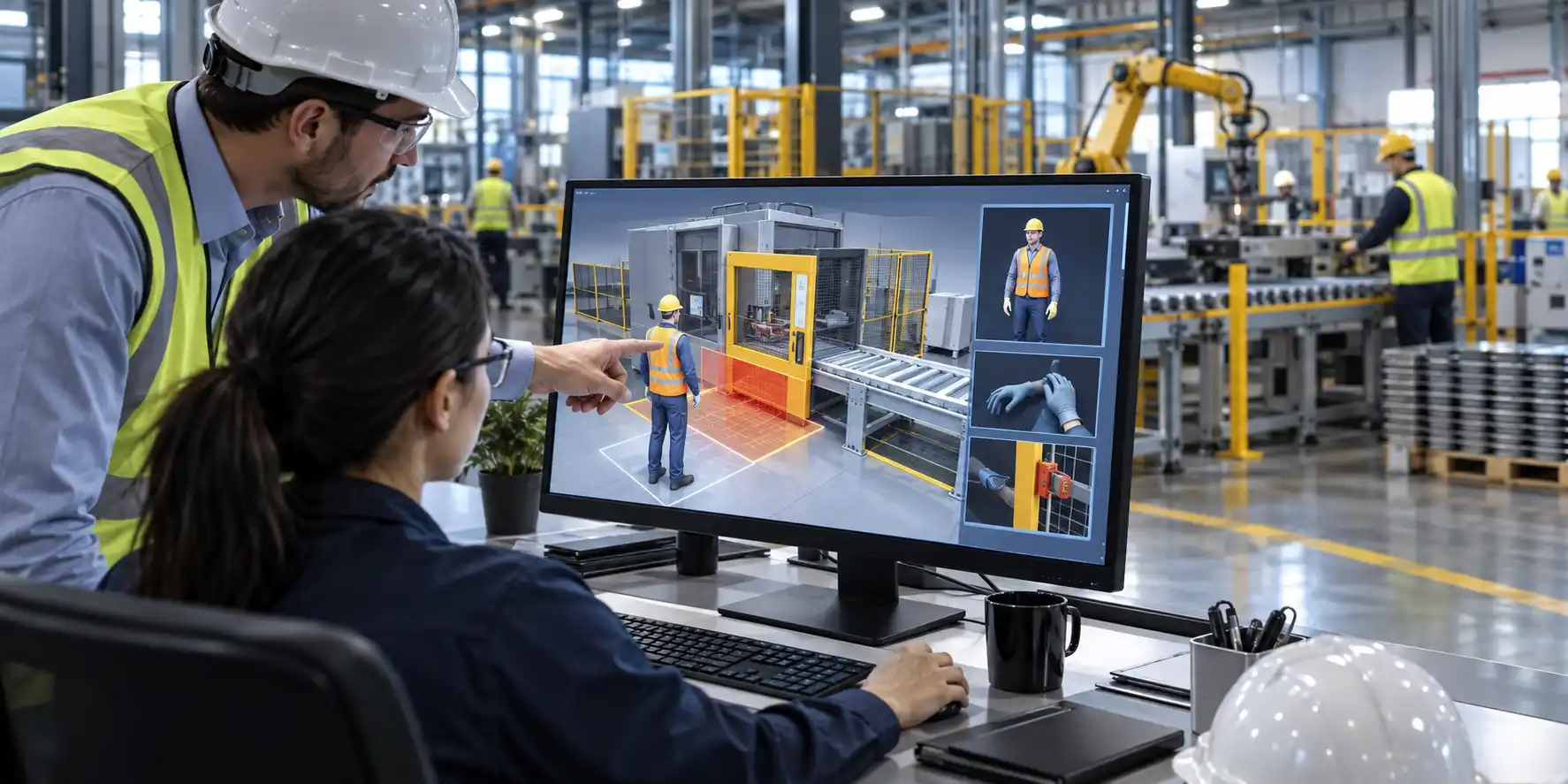
- 2D/3D animations for process overviews, equipment internals, and hazard visualization.
- Live-action videos filmed on your shop floor for real procedures and practices.
- AI-generated micro-modules for quick refreshers and policy reminders.
- Interactive quizzes and knowledge checks embedded in LMS courses.
- Downloadable job aids (PDFs, one-pagers) where useful.
Related: Safety Induction Video Company
Related: SOP Animation Services
Related: Industrial Training Video Company
2. Contractors: Specialized Multimedia Induction and Task Training
Contractors often move between sites and face different rules. We create dedicated multimedia modules for them.
Contractor induction:
- Contractor-specific rules and authorization流程.
- Permit-to-work basics (hot work, confined space, work at height, excavation, etc.).
- LOTO and isolation expectations for maintenance tasks.
- Site-specific high-risk zones and controls (process units, lifting areas, traffic routes).
- Incident and near-miss reporting obligations and escalation paths.
- Behavioral expectations (no shortcuts, stop-work authority, intervention culture).
Task-specific modules (as needed):
- Safe use of tools and equipment on your site.
- Specific high-risk activities (working at height, confined space, hot work).
- Site-specific traffic and pedestrian rules for contractors.
Formats used:
- 2D/3D animations to explain permit systems, LOTO, and high-risk scenarios.
- Live-action clips showing contractor check-in, PPE checks, and site entry.
- AI-narrated overviews for fast, scalable contractor onboarding.
- Short quizzes to confirm understanding before access is granted.
Related: LOTO Animation Services
Related: Permit to Work Animation
3. Visitors: Short, Clear Multimedia Induction
Visitors may not perform work, but they still face risks when entering plants, warehouses, or construction sites. Our visitor modules are short, visual, and easy to understand.
Typical content includes:
- Where visitors may walk and where they must not go (restricted zones, process areas, lifting zones, etc.).
- PPE requirements for visitors (if any) and how to wear them correctly.
- Escort and sign-in/out procedures at reception and security gates.
- What to do if alarms sound: follow escort, proceed to designated muster point, do not wander.
- Basic safety dos and don’ts: no photography without permission, no touching of equipment, stay with escort, etc.
- Emergency assembly points and basic behavior during drills or real incidents.
These modules can be shown:
- At reception or visitor centers on screens or tablets.
- As part of digital visitor management systems before badge issuance.
- In boardrooms or briefing rooms before site tours.
Formats used:
- Short 2D animations (2–3 minutes) for clear, engaging overviews.
- 3D walkthroughs for high-risk sites where spatial understanding matters.
- Live-action clips of your actual reception, gates, and muster points.
- Simple interactive elements (e.g., “select the correct PPE” or “choose the right route”).
Related: Visitor Safety Induction Video Services
Multimedia Formats We Combine
We treat “multimedia” as a toolkit, not a single format. For each module, we choose the best mix.
2D Animation
Best for:
- Procedures and behavioral safety topics.
- Awareness modules (PPE, housekeeping, ergonomics, safety culture).
- Topics that do not require detailed 3D visualization.
- Fast turnaround refresher content.
Typical uses:
- Core safety induction overviews.
- Policy and expectation videos.
- Short microlearning clips for toolbox talks.
Related: Safety Animation Services
3D Animation
Best for:
- Equipment internals, machinery, and process units.
- Confined spaces, complex layouts, and spatial hazards.
- Machine guarding, pinch points, and energy isolation (LOTO).
- Process flows, pressure systems, relief devices, and upsets.
- Incident recreation where sequence and geometry matter.
Typical uses:
- Detailed SOPs for operation and maintenance.
- High-risk task training (working at height, confined space, hot work).
- Process safety fundamentals and life-saving rules.
- Near-miss and incident scenario reconstruction.
Related: 3D Safety Animation Company
Live-Action Video
Best for:
- Showing real workflows, equipment use, and safety procedures on your site.
- Featuring your people, leaders, and culture on camera.
- Site-specific induction that shows actual entry points, routes, and muster points.
Typical uses:
- On-site SOP and work instruction videos.
- Safety induction with real plant footage.
- Leadership messages and safety culture videos.
Related: Industrial Safety Videos & On-Site Factory Shoots
AI-Generated Modules
Best for:
- Site-specific induction overviews.
- Policy and expectation videos.
- Refresher and microlearning content at scale.
- Rapid rollouts across multiple sites with minor localization.
Typical uses:
- Core induction summaries.
- Behavioral safety and policy reminders.
- Multilingual versions of core messages.
Related: AI Safety Training Videos
Interactivity and Assessments
We can add:
- Quizzes and knowledge checks (multiple choice, true/false, scenario-based questions).
- Simple interactions (click to reveal hazards, drag-and-drop PPE, choose the correct route).
- Completion tracking via LMS or visitor management systems.
This turns passive videos into active learning experiences that reinforce understanding.
Related: LMS Development
How We Develop Custom Multimedia Training Modules
We follow a structured, repeatable methodology.
1. Training Needs Analysis
We start by understanding:
- Your site layout, key hazards, and processes.
- Your existing training materials (SOPs, manuals, presentations, videos).
- Your target audiences (new employees, operators, contractors, visitors).
- Your delivery channels (LMS, classroom, on-floor screens, visitor kiosks, mobile).
- Your language requirements for employees, contractors, and visitors.
Output: A training architecture showing modules, sequences, and formats for each audience.
2. Content Mapping and Module Design
We map your content into a structured curriculum, for example:
- Employees:
- Level 1: Core safety induction (all employees).
- Level 2: Area-specific safety + basic process overview.
- Level 3: Role-based process and safety training.
- Level 4: Advanced topics (changeover, troubleshooting, maintenance).
- Refreshers: Short modules for toolbox talks and annual refreshers.
- Contractors:
- Core contractor induction.
- Task-specific high-risk modules (as needed).
- Visitors:
- Short visitor induction (2–3 minutes).
- Optional extended version for long-stay visitors or clients.
For each module, we define:
- Learning objectives.
- Target audience.
- Format mix (2D, 3D, live-action, AI, interactivity).
- Language requirements.
- Assessment method (quiz, observation, competency sign-off).
3. Data Collection and Site Familiarization
We collect:
- Plant layout drawings, site maps, and photos.
- EHS policies, site rules, and emergency procedures.
- SOPs, work instructions, and process descriptions.
- Visitor induction scripts or guidelines if you already have them.
- Sample risk assessments and incident reports for context.
Where needed, we can arrange on-site visits to:
- Capture accurate visuals of entry points, reception areas, muster points, and high-risk zones.
- Film live-action segments for hybrid videos.
- Validate that animations match actual site conditions.
4. Scripting, Storyboarding, and Instructional Design
For each module and audience, we:
- Develop clear scripts aligned with your SOPs, site rules, and training objectives.
- Create visual storyboards that map each scene to a learning point.
- Apply instructional design principles:
- Show, don’t just tell.
- Highlight critical steps and warnings.
- Use examples and “what-if” scenarios.
- Keep segments short and focused.
- Review and iterate with your EHS, HR, security, operations, and L&D teams.
5. Production: 2D/3D Animation, Live-Action, AI, and Interactivity
Depending on the module, we produce:
- 2D animations for process overviews, safety concepts, and behavioral topics.
- 3D animations for complex equipment, internal mechanisms, and high-risk scenarios.
- Live-action videos filmed on your shop floor or at reception/visitor areas.
- AI-generated modules for fast, scalable induction and refresher content.
- Hybrid videos combining live footage with animated overlays and callouts.
- Interactive elements (quizzes, simple interactions) for LMS and kiosk deployments.
We add:
- Voiceovers in your chosen languages.
- Subtitles and on-screen text as needed.
- Graphics and icons to reinforce key points (PPE symbols, hazard icons, exit signs, etc.).
6. Review, Pilot, and Rollout
We:
- Share draft modules for internal review.
- Incorporate feedback from EHS, HR, security, operations, and L&D.
- Optionally run a pilot with a small group (e.g., one shift, one contractor group, or reception trial).
- Validate that training improves understanding and behavior before full rollout.
Then we:
- Deliver final files in formats suitable for:
- LMS and onboarding platforms
- Visitor management systems and reception kiosks
- Classroom training and toolbox talks
- On-floor screens and mobile devices
- Provide SCORM packages with quizzes and tracking if required.
- Support your team in uploading and configuring content in your systems.
Related: LMS Development
Multilingual Support for Employees, Contractors, and Visitors
We support multilingual workforces and visitors with:
- Voiceovers in multiple languages, such as:
- Indian languages: Hindi, Tamil, Telugu, Kannada, Malayalam, Bengali, Marathi, Gujarati, etc.
- Middle East: Arabic
- Europe: English, French, German, Spanish, etc.
- Other languages on request.
- Subtitles and on-screen text in different languages.
- Localized terminology to match how your workforce and visitors refer to hazards, PPE, and procedures.
We typically recommend:
- Employees/contractors:
- Primary language aligned with your official training language.
- Additional language versions for major worker groups.
- Visitors:
- A core version in the site’s primary language.
- Additional versions for frequent visitor profiles (e.g., English + Arabic + French, depending on your region and business).
This ensures that critical safety and process messages are understood by everyone who enters your site, regardless of language background.
Integration with LMS and Visitor Management Systems
To make implementation easy, we design modules for seamless integration.
For LMS (employees and contractors):
- Video files in standard formats (MP4, etc.).
- Optional SCORM-compliant packages with quizzes and tracking.
- Clear documentation for uploading and configuring courses.
- Support for your existing competency matrices and reporting.
For visitor management systems and kiosks:
- Short, loopable videos optimized for screens and tablets.
- Simple navigation (play, language select, replay).
- Optional completion logging if your system supports it.
We can work with your IT, LMS, and security teams to ensure smooth deployment and reporting.
Related: LMS Development
Industries and Use Cases We Serve
We create custom multimedia training modules for:
- Manufacturing and factories (auto, engineering, consumer goods, etc.).
- Chemical and petrochemical plants.
- Oil & gas facilities (refineries, terminals, pipelines, offshore support bases).
- Power plants and utilities.
- Construction and EPC project sites.
- Warehouses, logistics parks, and ports.
- Mining and heavy industry sites.
- Corporate campuses and R&D centers that receive high volumes of visitors.
Typical use cases include:
- New employee onboarding with core induction + role-based modules.
- Contractor induction before site access is granted.
- Visitor induction at reception or via digital visitor portals.
- Multisite rollouts with consistent content in multiple languages.
- Refresher training for annual safety campaigns and toolbox talks.
Related: Industries We Serve
Why Clients Choose Us for Custom Multimedia Training
Clients choose Sanskriti Infotech because we:
- Combine strong 2D/3D animation, live-action, and AI capabilities with practical EHS and industrial knowledge.
- Design audience-specific learning journeys for employees, contractors, and visitors.
- Create truly site-specific content, not generic templates.
- Support extensive multilingual voiceovers and subtitles for diverse audiences.
- Deliver LMS-ready and visitor-system-ready content with clear documentation.
- Provide structured project management, single point of contact, and transparent timelines.
For EHS, HR, security, operations, and L&D leaders, this makes it easier to roll out training that is consistent, compliant, and comprehensible across languages and locations.
Get Started: Discuss Your Custom Multimedia Training Needs
If you want to develop custom multimedia training modules for employees, contractors, and visitors:
- Fill out the contact form: Contact Us
- Email: inquiry@sanskritiinfotech.com
- Call / WhatsApp: +91 9660377250
We can:
- Conduct an initial remote consultation to understand your sites, hazards, and training requirements.
- Review your existing induction checklists, SOPs, and visitor protocols.
- Recommend the right mix of 2D, 3D, live-action, AI, and interactivity for each audience.
- Plan multilingual versions based on your workforce and visitor profiles.
- Arrange on-site visits if deeper data collection or filming is needed.
We respond quickly to inquiries, provide clear proposals, and work with you to define a phased, practical roadmap for your custom multimedia training program.
Related Services
- Safety Animation Company
- Industrial Safety Animation Company
- Safety Animation Services
- 3D Safety Animation Company
- AI Safety Training Videos
- Safety Induction Video Company
- Visitor Safety Induction Video Services
- SOP Animation Services
- LOTO Animation Services
- Permit to Work Animation
- Process Safety Animation
- Incident Recreation Animation Services
- Fire Safety Animation
- Electrical Safety Animation
- Machine Guarding Animation
- Industrial Safety Video Production Company
- Industrial Training Video Company
- Safety Training Animation Company
- LMS Development
- Industries We Serve
- Contact Us
Ready to enhance workplace safety with engaging visuals? Contact us